mirror of
https://github.com/LukasDzenk/extension-temp.git
synced 2026-05-28 13:47:34 +00:00
No description
- TypeScript 66.1%
- JavaScript 23%
- CSS 7.1%
- HTML 3.3%
- SCSS 0.5%
| .github | ||
| public | ||
| src | ||
| test-utils | ||
| utils | ||
| .eslintrc | ||
| .gitignore | ||
| .nvmrc | ||
| .prettierrc | ||
| jest.config.js | ||
| LICENSE | ||
| manifest.ts | ||
| package.json | ||
| README.md | ||
| tsconfig.json | ||
| vite.config.ts | ||
| yarn.lock | ||


Chrome Extension Boilerplate with
React + Vite + TypeScript




This project is listed in the Awesome Vite
Table of Contents
Intro
This boilerplate is made for creating chrome extensions using React and Typescript.
The focus was on improving the build speed and development experience with Vite.
Features
- React 18
- TypeScript
- Jest
- React Testing Library
- Vite
- SASS
- ESLint
- Prettier
- Chrome Extension Manifest Version 3
- HRR(Hot Rebuild & Refresh/Reload)
Installation
Procedures
- Clone this repository.
- Change
nameanddescriptionin package.json => Auto synchronize with manifest - Run
yarn installornpm i(check your node version >= 16.6, recommended >= 18) - Run
yarn devornpm run dev - Load Extension on Chrome
- Open - Chrome browser
- Access - chrome://extensions
- Check - Developer mode
- Find - Load unpacked extension
- Select -
distfolder in this project (after dev or build)
- If you want to build in production, Just run
yarn buildornpm run build.
Screenshots
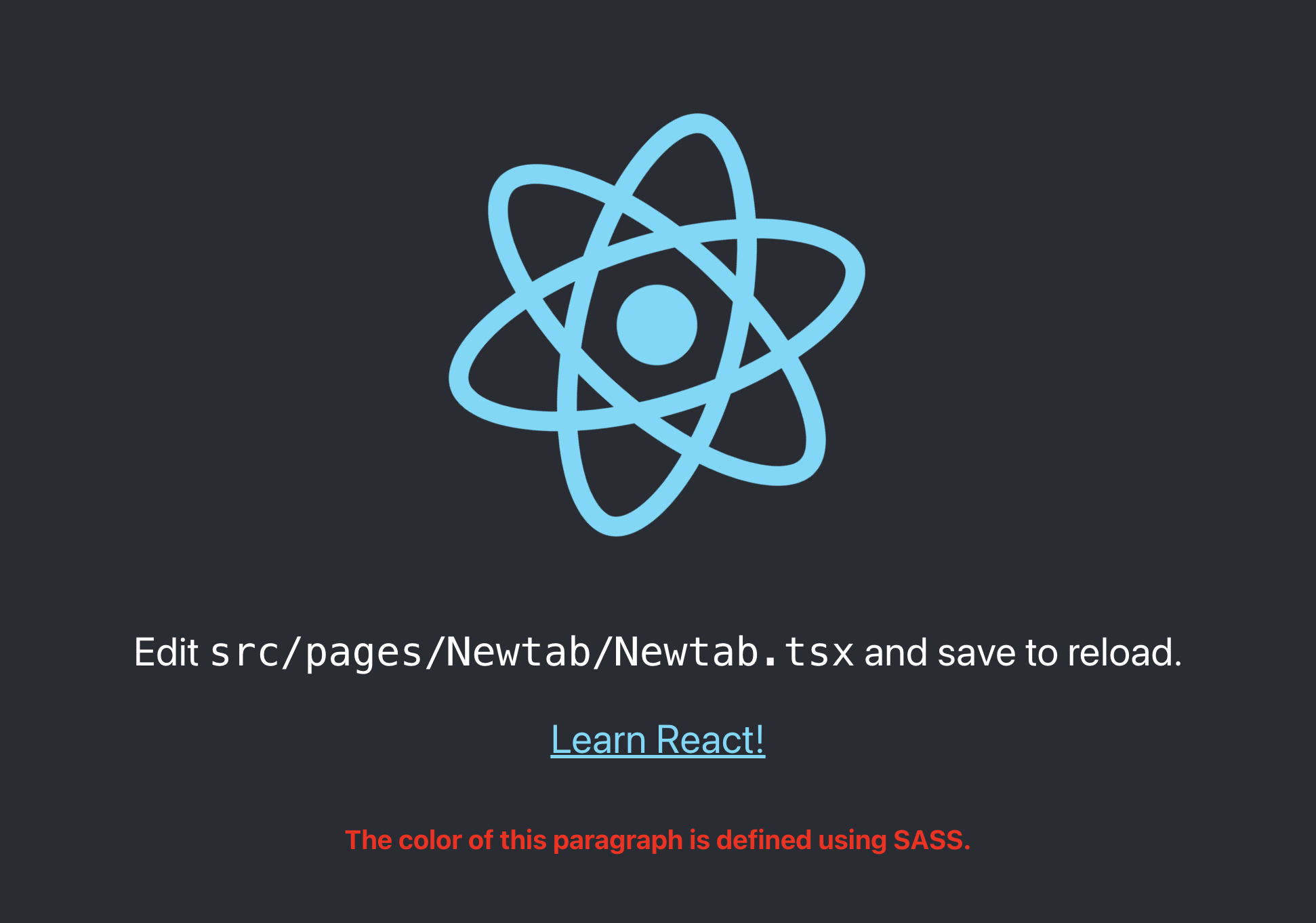
New Tab
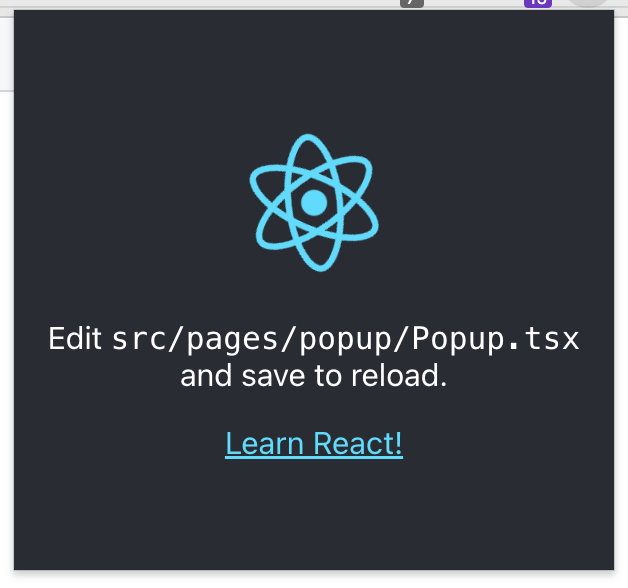
Popup
Sample
Documents
Star History
Thanks To
| Jetbrains | Jackson Hong |
|---|---|
 |
 |